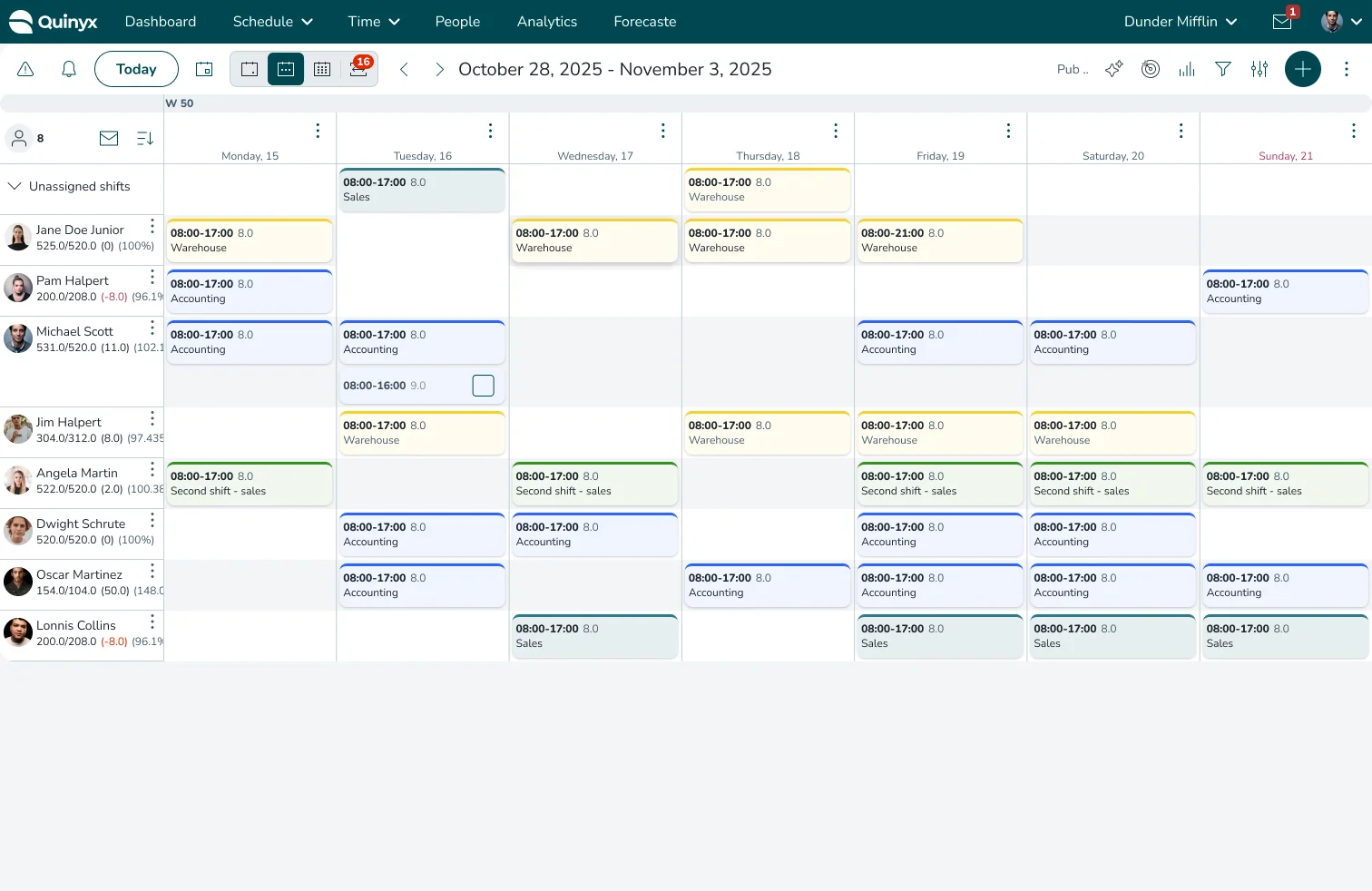
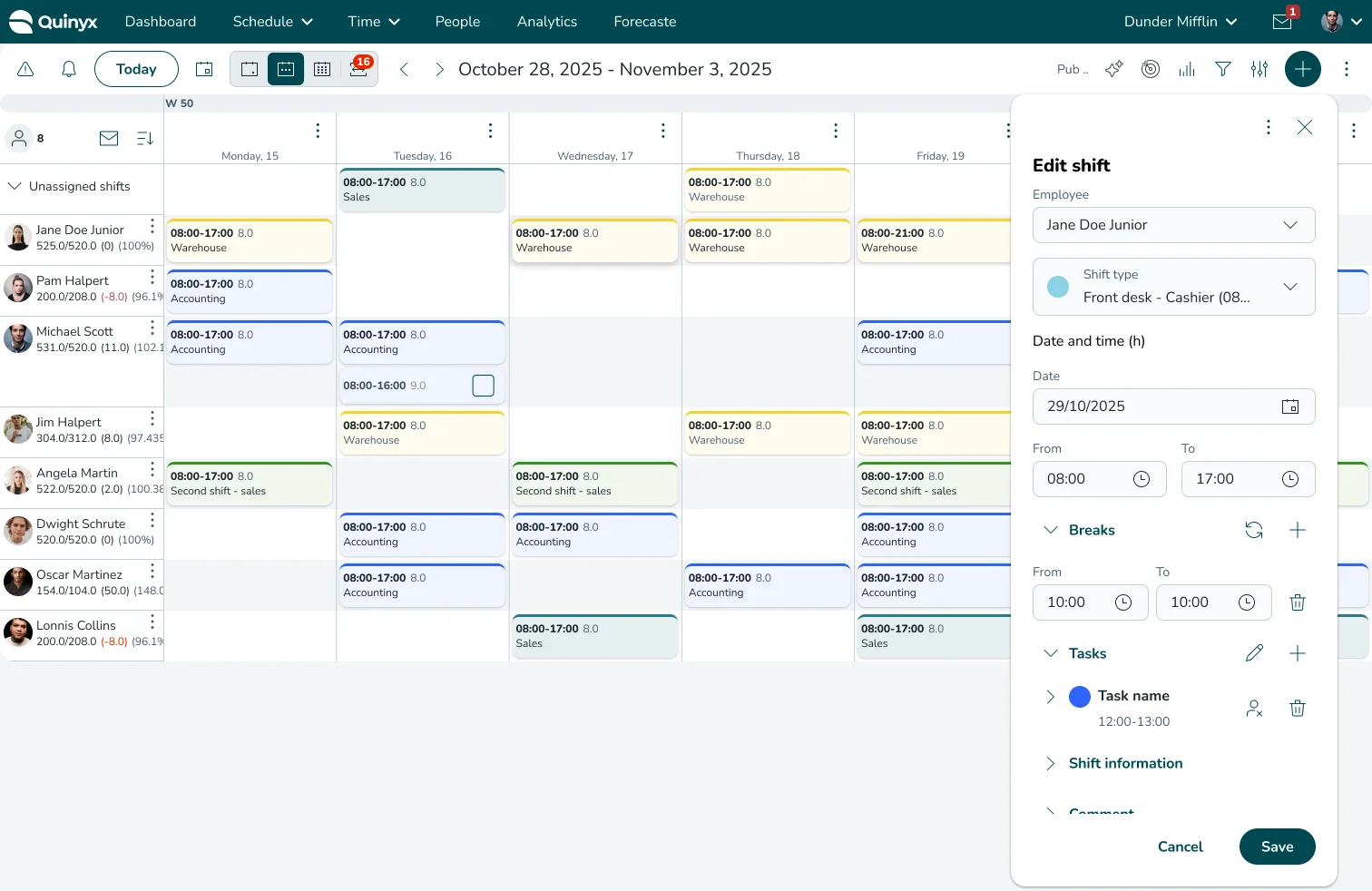
Fixing the 92% Failure Rate: Designing Proactive Compliance Guardrails
Turning scheduling roadblocks into proactive guardrails, moving compliance validation from post-task interruption to in-flight prevention and cutting the warning override rate from 92% to 28%.
Overview
Background
Enterprise workforce scheduling is strictly governed by complex labor laws and collective agreements. To manage this, our platform’s Schedule Compliance Rule Engine allows admins to configure custom legal constraints—such as max hours and rest intervals—tied directly to specific Agreement Templates.
Problem Statement
Scheduling managers need a faster way to understand compliance signals without spending hours redoing the schedule and finding loopholes.
While the Rule Engine empowered admins, it overwhelmed frontline managers with reactive validation. Interruptive warning modals blocked schedule saves, forcing users into a frustrating workaround: taking screenshots of errors to fix later. This high-friction loop caused severe warning fatigue and a massive backlog of compliance debt right before payroll deadlines.
The Impact
By doing the math for the user and bringing compliance checks upstream, the scheduling experience was fundamentally transformed:
92% to 28%
Override Rate
Managers naturally adjusted parameters to the suggested compliant times during creation, slashing the volume of ignored warnings by over 60%.
4.5 Hours
Saved per Manager
By preventing the massive end-of-week compliance triage backlog, the average time required to audit and publish finalized weekly rosters dropped by 4.5 hours per department.
100%
Elimination of Workarounds
Inefficient behaviors (like screenshotting error modals) were completely eradicated. Telemetry showed a total drop in Friday-afternoon bulk resolutions within the legacy compliance panel.
The Solution
We shifted compliance validation from a post-task interruption to in-flight prevention, moving the user’s workflow from reactive triage to proactive error avoidance.
A real-time guidance and prevention rather than a slap on the hand after clicking save.
Moving from reactive warnings to a proactive co-pilot. By calculating violations in real-time and prescribing exact mathematical fixes before the user clicks save, we eliminated workflow friction and stopped errors at the source.
Different Parts of the Solution
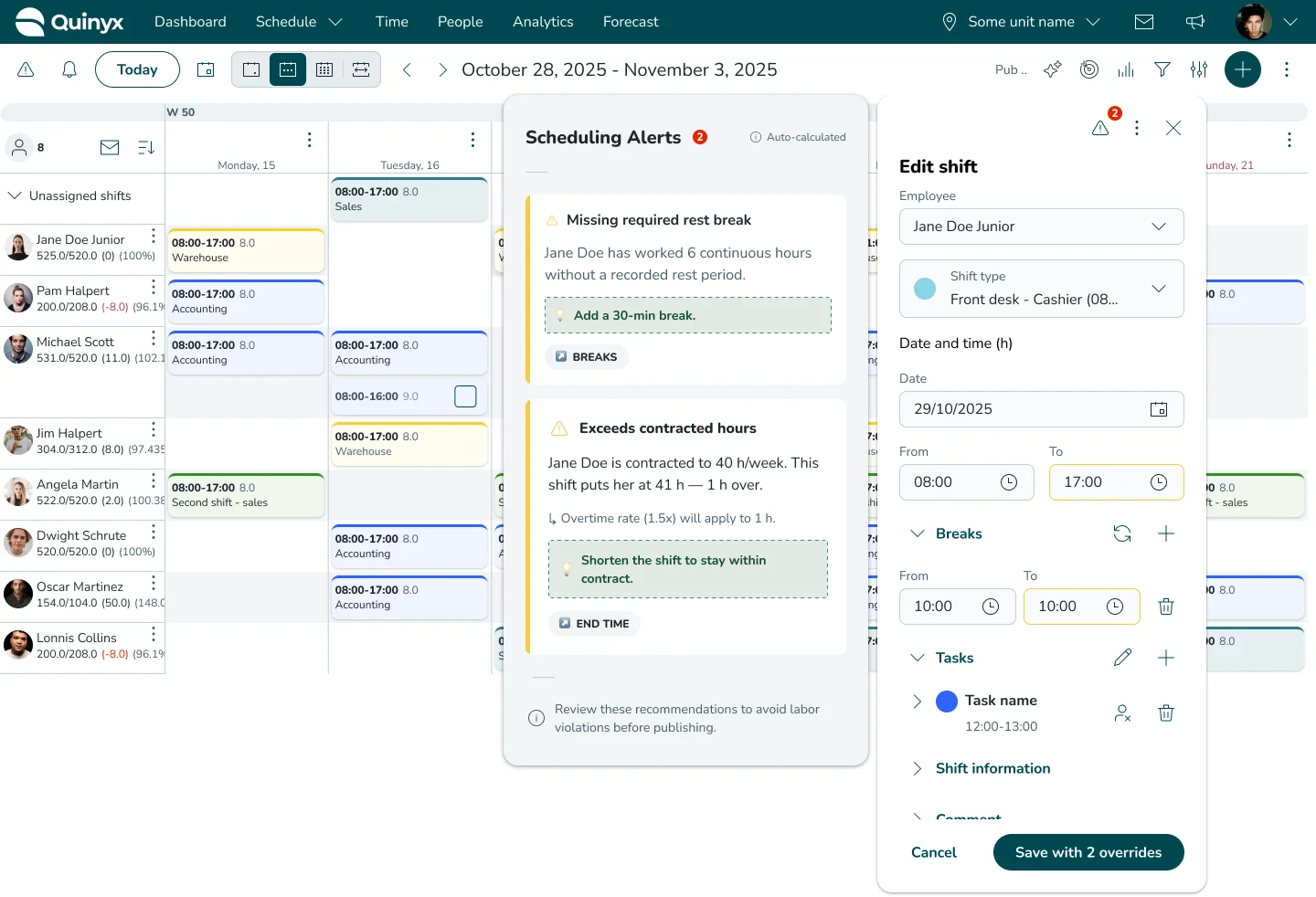
1. Inline, Real-Time Validation
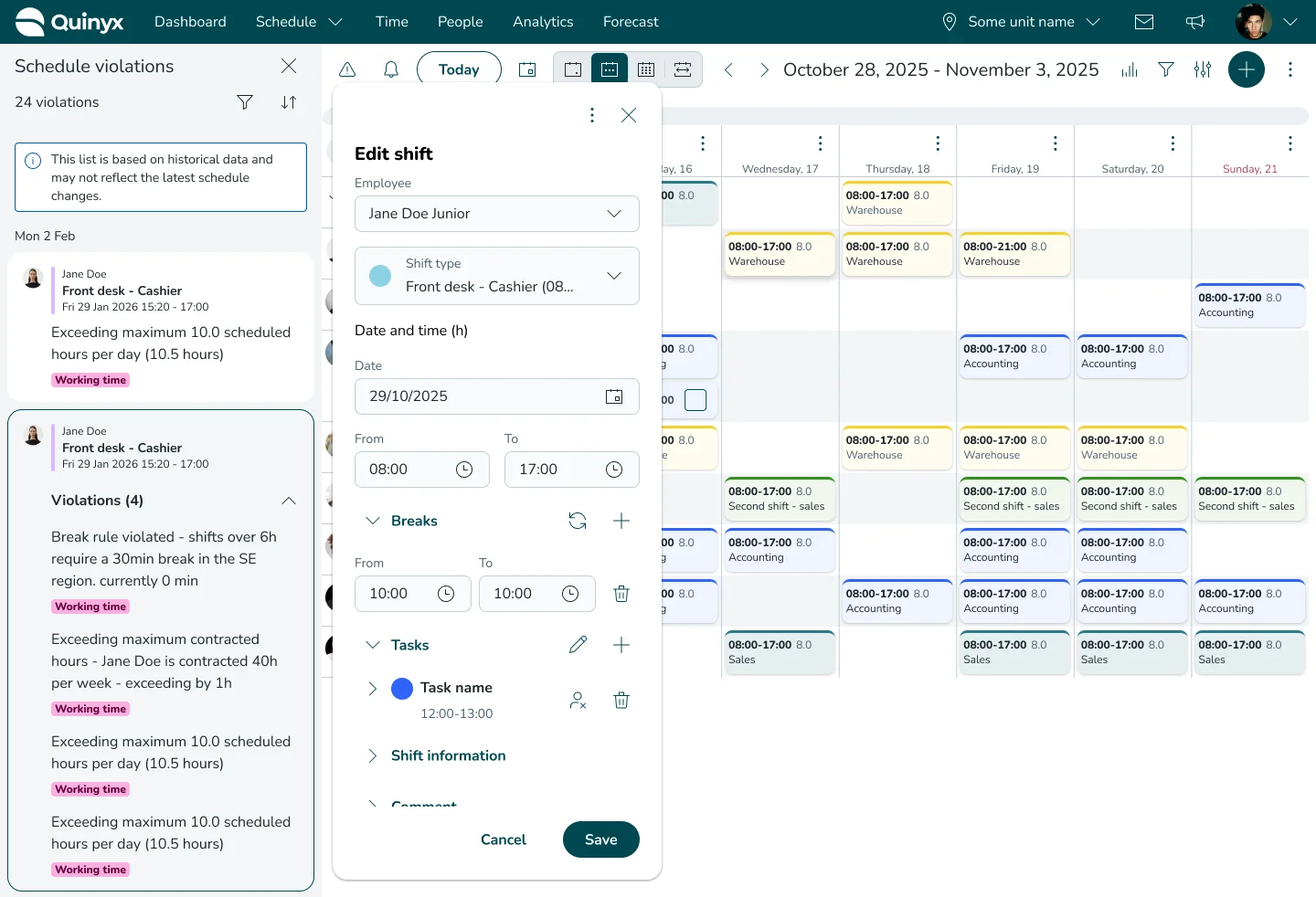
Errors display directly inside the shift panel as users adjust inputs, completely removing interruptive modals.
2. Prescriptive “Delta” Solutions
Instead of vague legal jargon, the UI calculates the exact fix for the user “Rest is short by 1.5h. Move start time to 08:30 to comply.”
3. Single-Click Resolution Flow
Managers can review, adjust, or accept warnings and hit “Save” just once, removing friction from the core workflow.
How We Got Here
While the final UI feels obvious in hindsight, getting there required untangling a massive behavioral bottleneck. Here is a look at the data and insights that drove the redesign.
Early Findings: The Scale of the Problem
To understand the friction, we pulled product telemetry over a standard 7-day scheduling cycle. The numbers painted a staggering picture of user fatigue and downstream bottlenecks:
Insight from Data Analytics (Gainsight)
Managers override 92% of scheduling warnings, which is apx. 974k overrides in total.
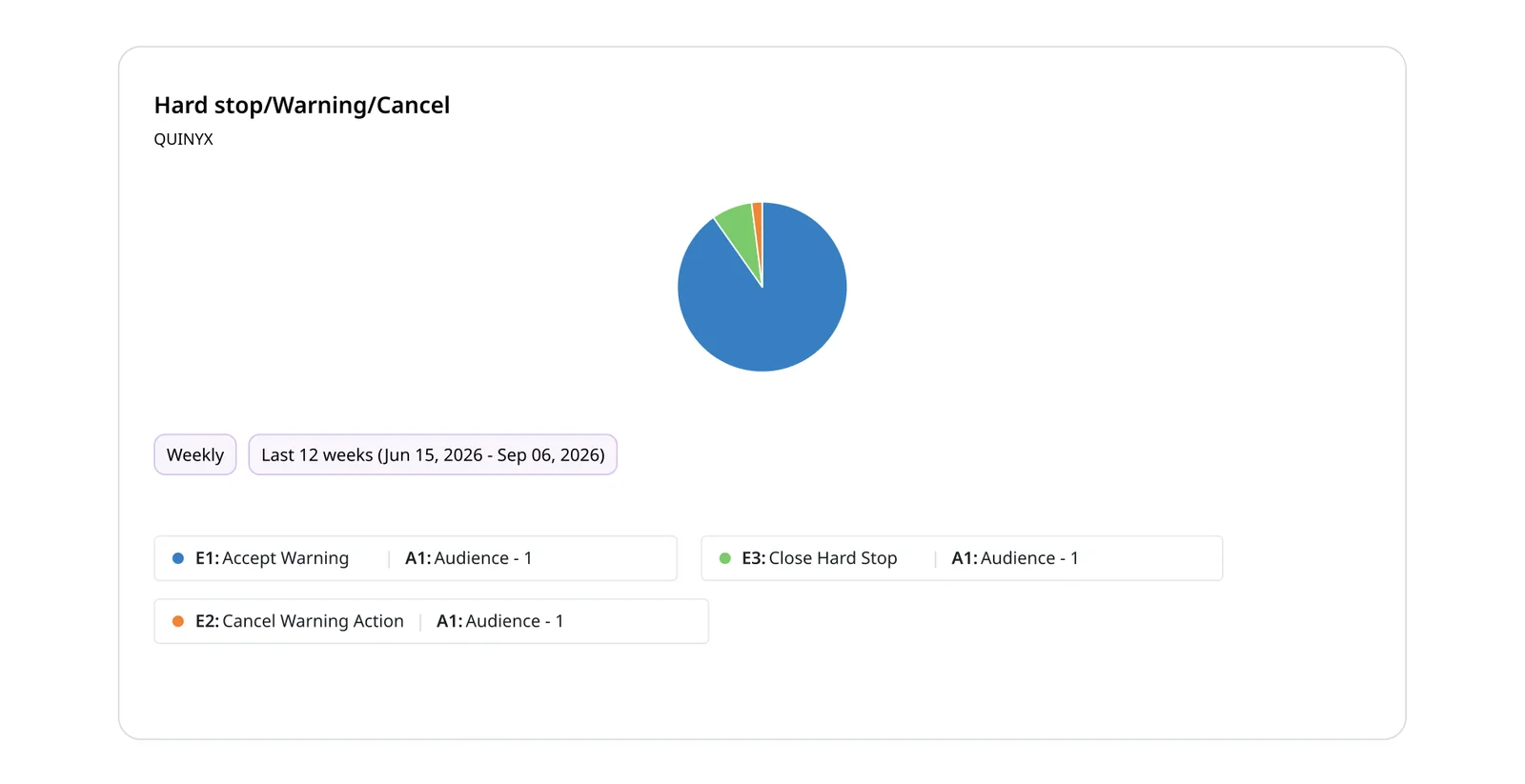
- The 92% Override Rate: Out of 2.95M shifts created or edited, 1.06M error modals were triggered upon clicking save. 974K of those modals were immediately overridden. Managers were almost universally dismissing schedule warnings.
- The “Friday Panic” Spike: 68% of all warning resolutions occurred within the 3-hour window right before the weekly schedule publication deadline. Managers were hoarding their administrative debt and panic-fixing it at the last minute.
- High Time-to-Resolve (TTR): When a manager did choose to stop and fix a warning using the legacy modal, it took an average of 3.5 minutes per shift. For a department with just 20 flagged shifts, this meant over an hour of purely administrative busywork.
- The Compliance Leakage: Despite the safety net of the error panel, 14% of overridden warnings were ultimately published without being resolved, exposing the business to actual legal fines.
Key Insights
Triage is more expensive than prevention.
Deferring errors to a centralized panel encourages reckless scheduling, as users rely on the system to catch mistakes instead of making compliant choices upfront.
Descriptive warnings cause cognitive fatigue.
Simply stating the broken rule forces users to stop, review previous shifts, and manually calculate a new compliant time.
Friction dictates behavior.
If overriding a warning takes one click, and fixing it takes five clicks plus mental math, users will override it 92% of the time.
Designs & Architecture
A side-by-side comparison of the flow before and after the redesign.
Before: The Interruptive Loop
A high-friction loop that guaranteed a 92% failure rate because it punished the user at the finish line.
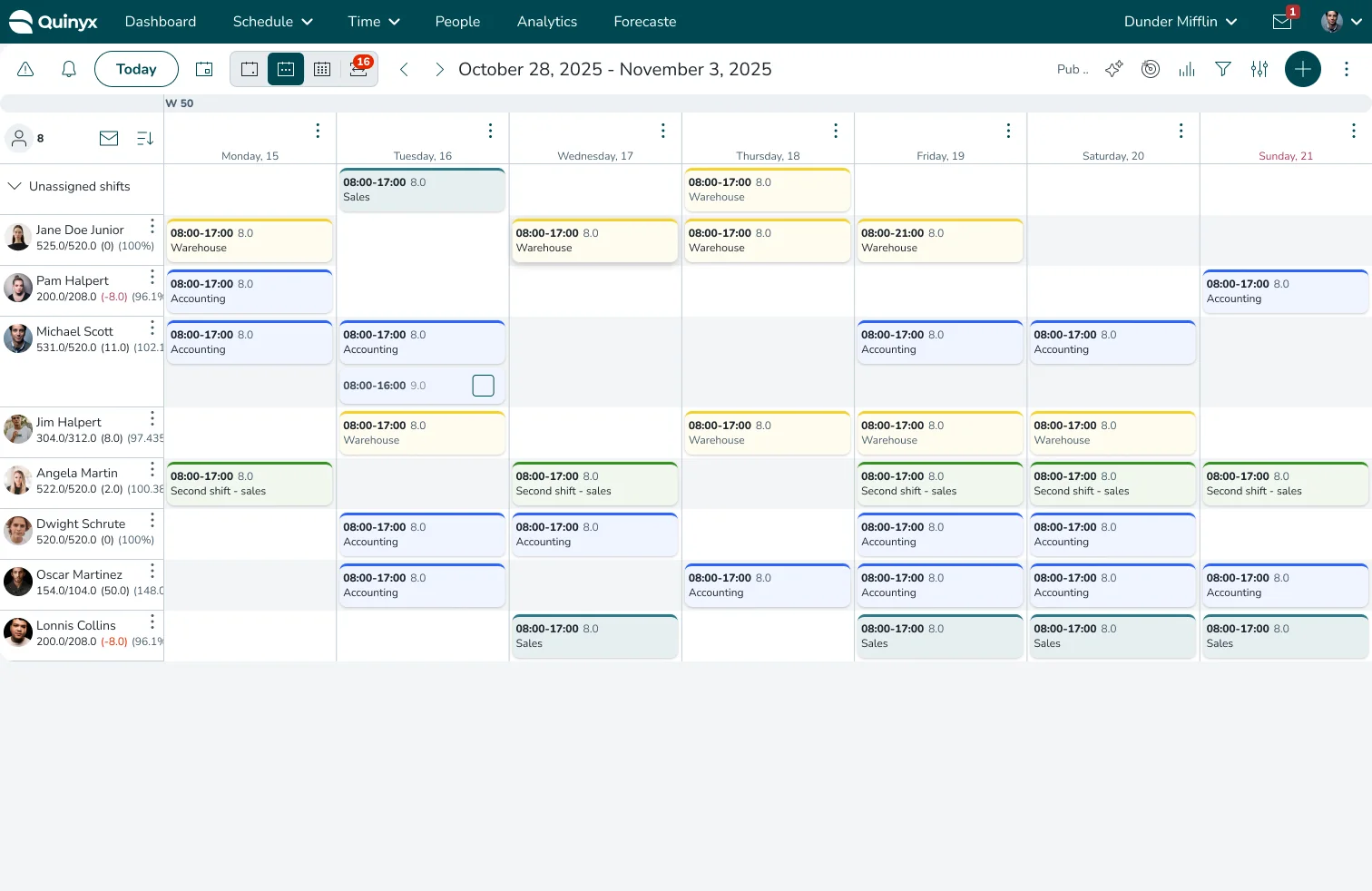
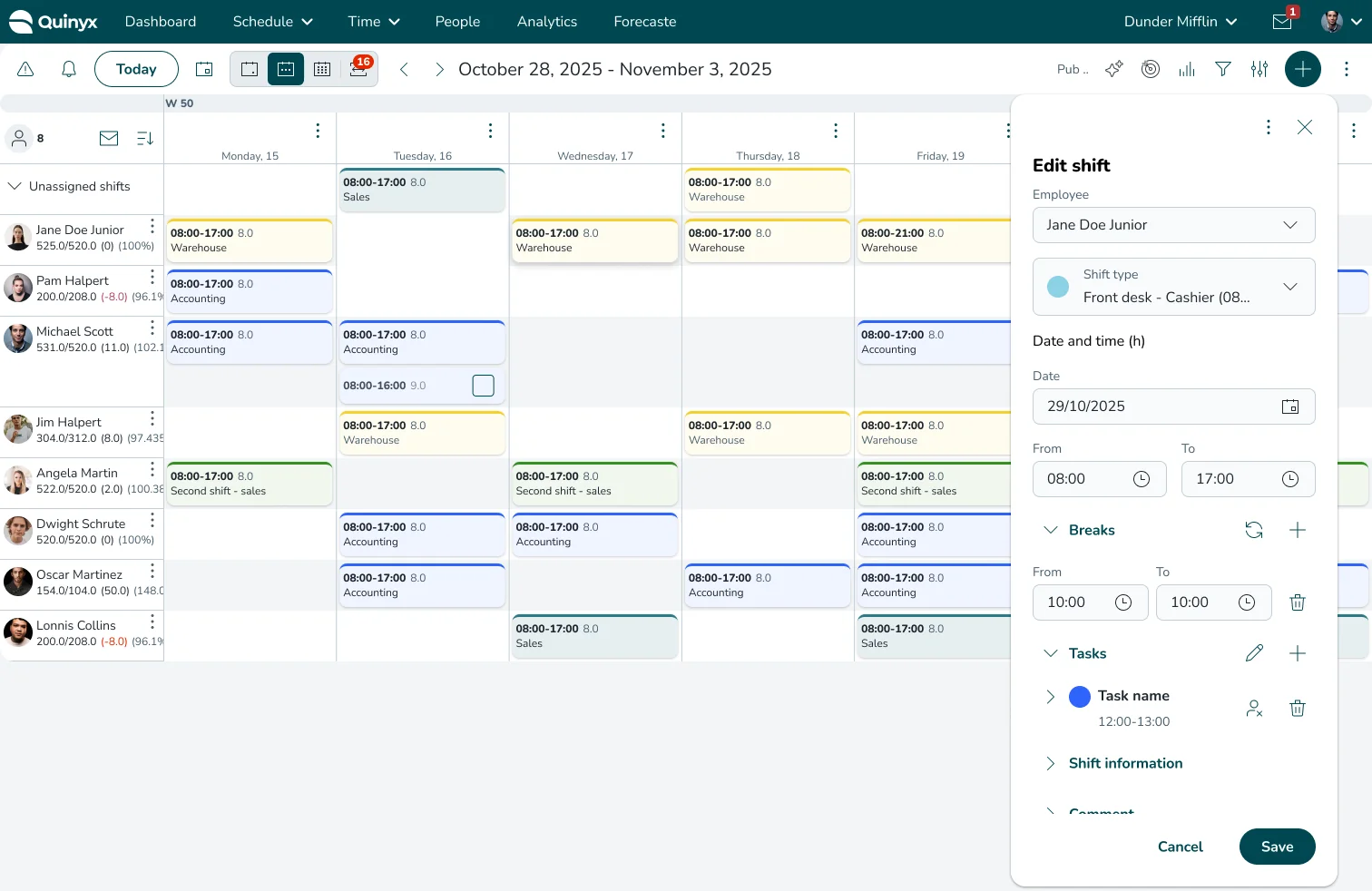
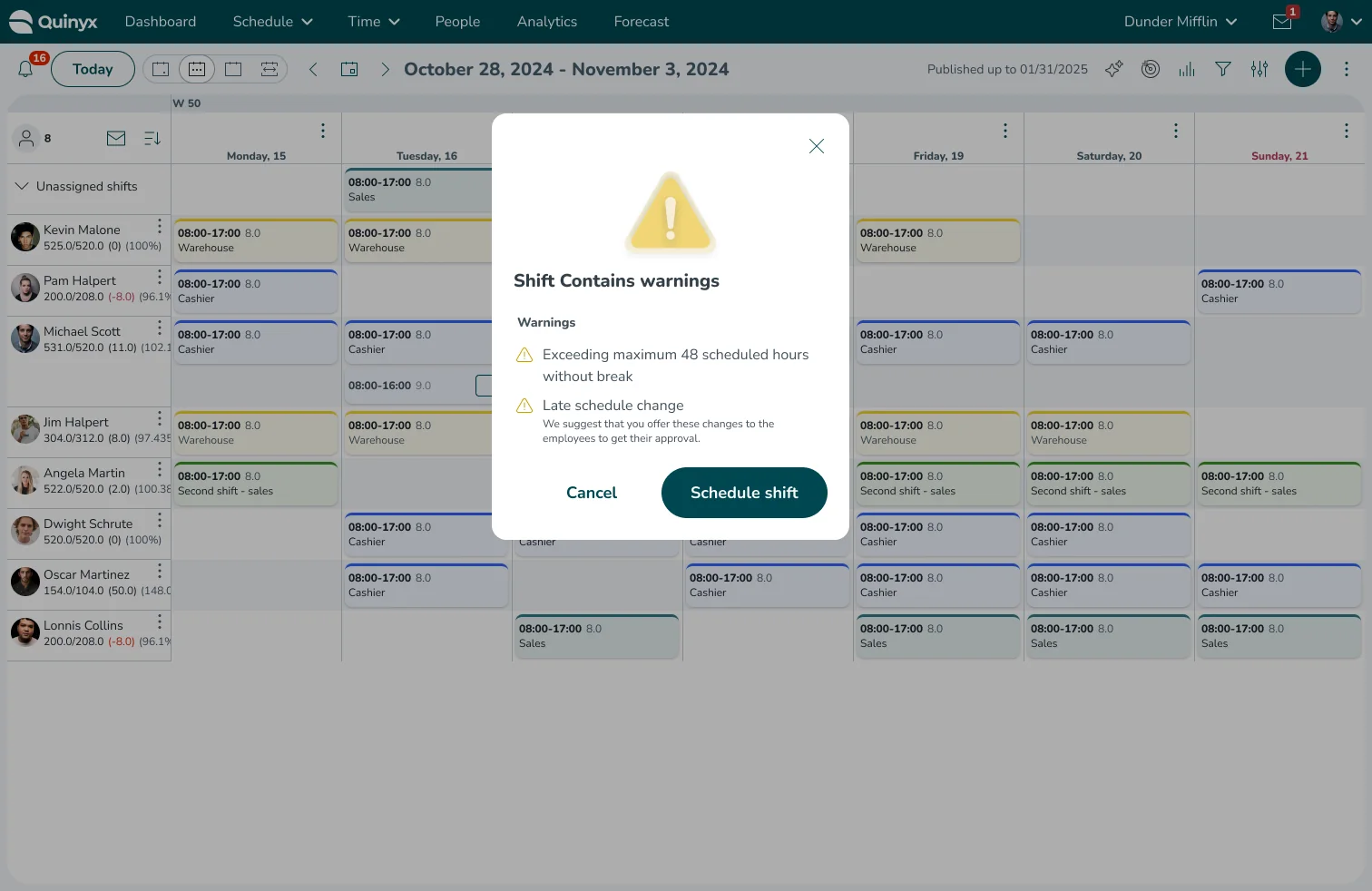
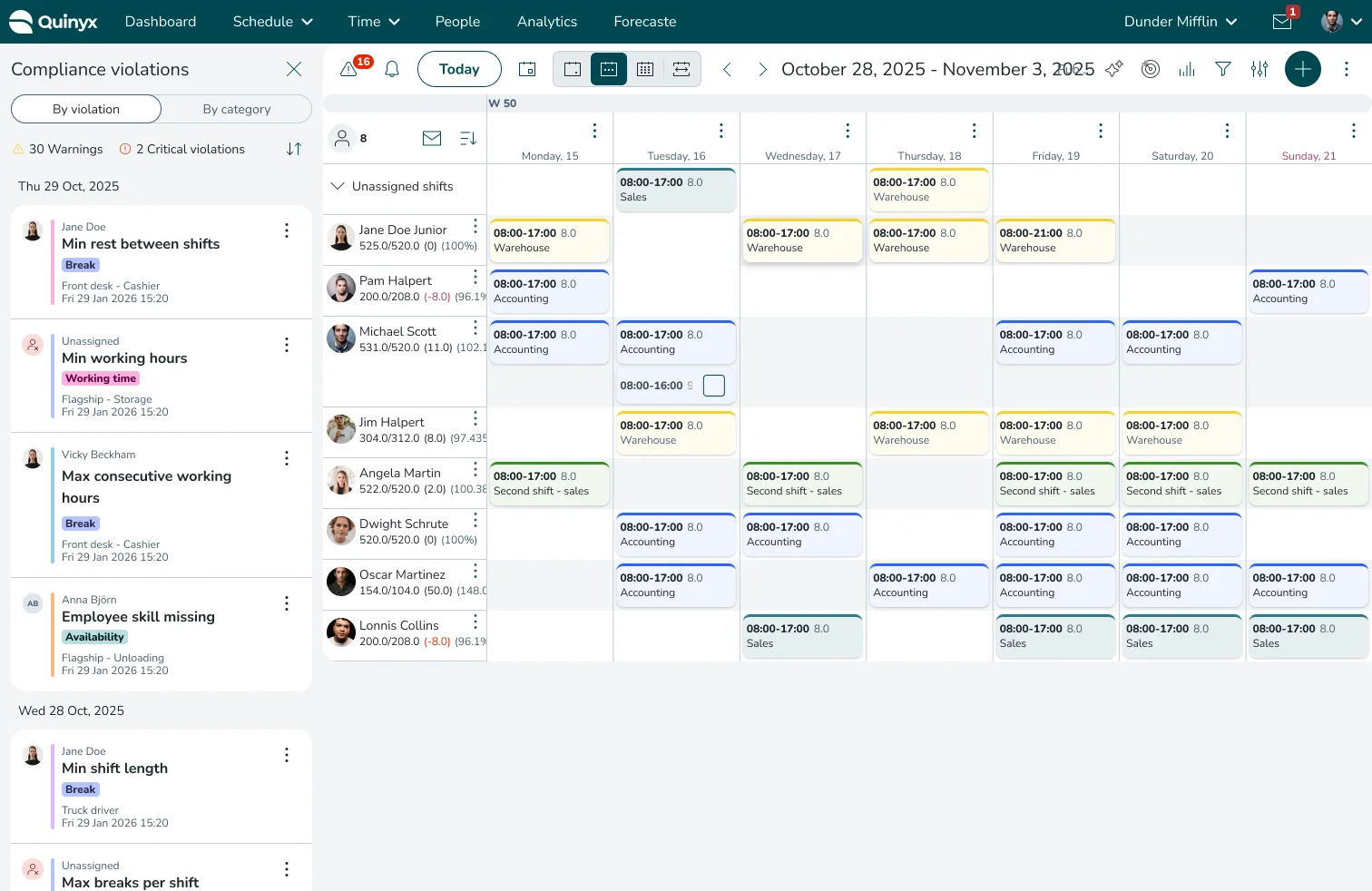
After: The Streamlined Flow
The Proposed Flow: The user fills out the shift panel and sees real-time errors inline. They are presented with the calculated fix. They either adjust the time or accept the warning in context, and then click “Save” just once. The friction is removed, and the end-of-week warning pile-up is eliminated at the source.